Discover how Ayoa empowers teams to boost productivity and streamline collaboration with its all-in-one platform. From visual mind mapping to AI-powered task management, Ayoa helps teams organize ideas, track progress, and work together more efficiently in today’s fast-paced digital environment.
Introduction to Ayoa
What is Ayoa?
Let’s be honest—managing a team today feels like juggling ten balls at once. Deadlines, brainstorming, meetings, and communication all compete for your attention. That’s where Ayoa steps in as a game-changer. It’s not just another productivity tool—it’s an AI-powered platform that combines mind mapping, task management, and collaboration into a single workspace.
Think of Ayoa as your team’s digital brain. Instead of scattering ideas across sticky notes, spreadsheets, and chat apps, everything lives in one place. You can brainstorm ideas visually, convert them into tasks, assign responsibilities, and track progress—all without switching tools. This seamless workflow eliminates chaos and creates clarity, which is exactly what modern teams need.
What makes Ayoa stand out is its visual-first approach. Instead of boring lists, it uses mind maps, boards, and timelines to make work more intuitive. It’s like turning your to-do list into a living, breathing system that evolves with your project.
Why Productivity Tools Matter in 2026
In 2026, teams are more distributed than ever. Remote work, hybrid setups, and global collaboration are now the norm. But with flexibility comes complexity. Without the right tools, productivity can quickly spiral into confusion.
Modern teams need tools that do more than just track tasks—they need platforms that connect ideas, people, and execution. According to recent insights, tools like Ayoa are gaining popularity because they unify workflows and reduce inefficiencies caused by juggling multiple apps.
Imagine trying to build a house using tools scattered across different rooms. That’s what traditional workflows feel like. Ayoa brings everything into one workspace, making teamwork smoother, faster, and more efficient.
The Core Features of Ayoa
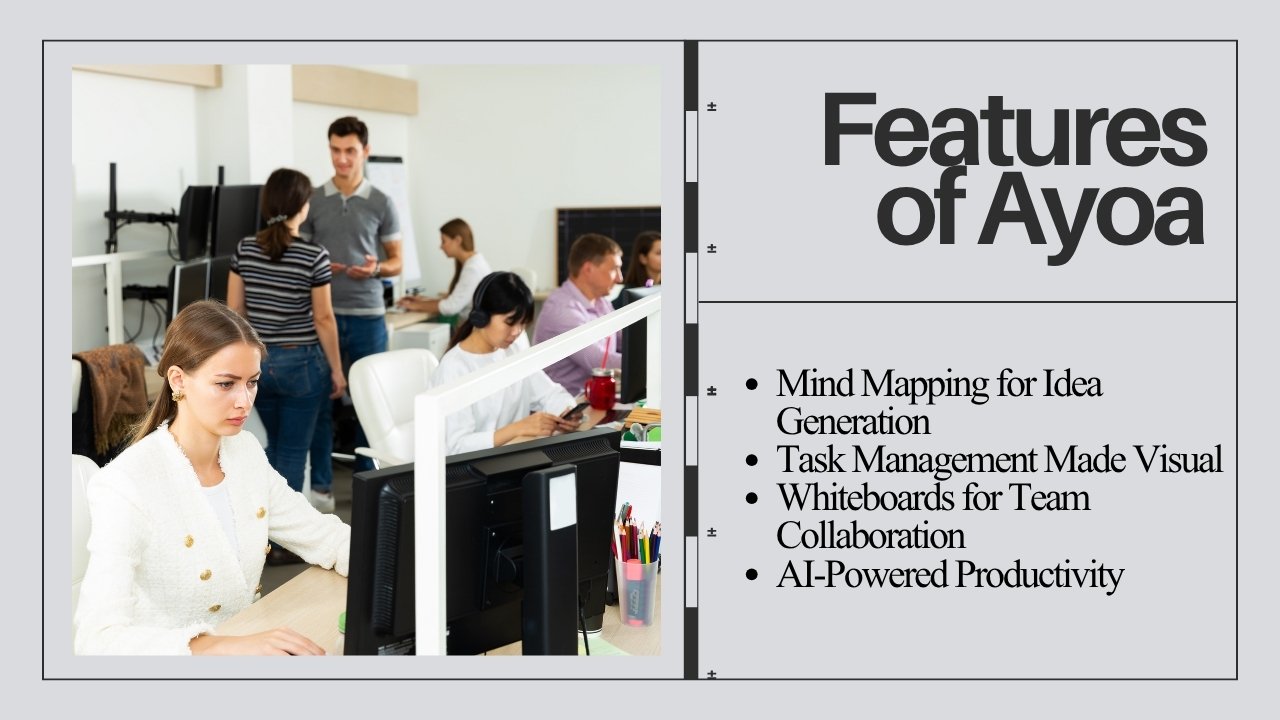
Mind Mapping for Idea Generation
Ever had a brilliant idea but couldn’t organize it properly? Ayoa solves that with its powerful mind mapping feature. It allows teams to visually map out ideas, making complex concepts easier to understand and develop.
Instead of writing linear notes, you can create branches, sub-branches, and connections that mirror how your brain actually thinks. This approach boosts creativity and helps teams uncover insights they might otherwise miss.
Mind mapping is especially useful during brainstorming sessions. Teams can contribute ideas in real time, building on each other’s thoughts like pieces of a puzzle. The result? More innovative solutions and better decision-making.
Task Management Made Visual
Traditional task management tools rely on lists and spreadsheets. Ayoa flips the script with visual task boards and Gantt timelines that make project tracking intuitive.
You can assign tasks, set deadlines, and track progress in a way that feels natural. Instead of scanning endless lists, you see everything laid out visually—like a roadmap guiding your team forward.
This visual approach reduces cognitive load and helps team members quickly understand priorities. It’s like switching from reading a dense manual to looking at a clear, step-by-step diagram.
Whiteboards for Team Collaboration
Ayoa’s digital whiteboards provide a limitless canvas for collaboration. Whether you’re planning a project or brainstorming ideas, whiteboards allow teams to think freely and creatively.
You can add sticky notes, draw diagrams, and organize thoughts visually. It’s the closest thing to being in a physical meeting room—except your team can collaborate from anywhere in the world.
Whiteboards also support templates for common workflows, saving time and ensuring consistency across projects.
AI-Powered Productivity
One of Ayoa’s standout features is its AI assistant, which helps generate ideas, organize tasks, and kickstart projects.
Instead of staring at a blank screen, you can ask the AI for suggestions and instantly get structured ideas. It’s like having a creative partner who never runs out of energy.
This feature is particularly useful for teams working under tight deadlines. It accelerates brainstorming and ensures that no time is wasted.
How Ayoa Enhances Team Productivity
Centralized Workspace
One of the biggest productivity killers is fragmentation. When your tools are scattered, your focus is scattered too. Ayoa solves this by offering a centralized workspace where everything lives—ideas, tasks, communication, and files.
This unified approach eliminates the need to jump between apps, saving time and reducing frustration. Teams can focus on what really matters: getting work done.
Real-Time Progress Tracking
Ayoa allows teams to track progress in real time, giving everyone a clear view of what’s happening. You can see who’s working on what, what’s completed, and what’s pending—all at a glance.
This transparency improves accountability and ensures that nothing falls through the cracks. It’s like having a live dashboard for your entire project.
Reducing App Switching
Switching between apps might seem harmless, but it adds up. Studies show that constant context switching can significantly reduce productivity. Ayoa eliminates this problem by combining multiple tools into one platform.
Instead of using separate apps for brainstorming, task management, and communication, everything is integrated. This streamlined workflow helps teams stay focused and efficient.
How Ayoa Improves Collaboration
Real-Time Collaboration Tools
Ayoa enables teams to collaborate in real time, whether they’re in the same office or across different continents. Multiple users can work on the same project simultaneously, sharing ideas and making updates instantly.
This real-time interaction fosters teamwork and speeds up decision-making. It’s like having a virtual meeting room that’s always open.
Built-in Communication Features
Communication is the backbone of collaboration, and Ayoa makes it seamless with built-in chat and messaging features.
Team members can discuss tasks, share updates, and stay aligned without leaving the platform. This reduces miscommunication and keeps everyone on the same page.
Easy Sharing and Accessibility
Ayoa allows users to share projects and mind maps easily even with people who don’t have an account.
This flexibility makes it easy to collaborate with clients, stakeholders, and external partners. Plus, with cross-platform access, teams can work from anywhere, anytime.
Benefits of Using Ayoa for Teams
Improved Creativity
Ayoa’s visual tools encourage creative thinking. By allowing teams to explore ideas in a non-linear way, it unlocks new perspectives and innovative solutions.
Better Time Management
With features like Gantt charts and task prioritization, teams can manage their time more effectively and meet deadlines consistently.
Increased Accountability
Clear task assignments and progress tracking ensure that everyone knows their responsibilities, leading to better accountability and performance.
Ayoa vs Traditional Productivity Tools
Key Differences
Traditional tools often focus on either task management or collaboration—but rarely both. Ayoa combines these elements into a single platform, making it more versatile and efficient.
Comparison Table
Feature | Ayoa | Traditional Tools |
Mind Mapping | Yes | Limited |
Real-Time Collaboration | Yes | Partial |
AI Assistance | Yes | Rare |
Visual Task Management | Yes | Mostly Lists |
All-in-One Workspace | Yes | No |
Use Cases of Ayoa in Different Industries
Startups
Startups thrive on innovation, and Ayoa provides the tools needed to brainstorm ideas and execute them quickly and efficiently.
Remote Teams
For remote teams, Ayoa acts as a virtual office, enabling seamless collaboration and communication regardless of location.
Education Sector
Educators and students can use Ayoa for brainstorming, project planning, and collaborative learning.
Expert Insights and Real User Feedback
What Experts Say About Ayoa
Experts highlight Ayoa’s ability to combine creativity and productivity into one platform. Its AI-powered features and visual tools make it a standout choice for modern teams.
Real User Experiences
Users often praise Ayoa for its intuitive interface and ability to simplify complex workflows. Many report increased productivity and better team alignment after adopting the tool.
Tips to Maximize Productivity with Ayoa
Best Practices
- Use mind maps for brainstorming sessions
- Set clear deadlines and priorities
- Regularly update task progress
Common Mistakes to Avoid
- Overloading tasks without prioritization
- Ignoring collaboration features
- Not utilizing AI assistance
Conclusion
Ayoa isn’t just another productivity tool—it’s a complete ecosystem designed to help teams think, plan, and execute better. By combining mind mapping, task management, and collaboration into one platform, it eliminates inefficiencies and boosts performance.
If your team struggles with scattered workflows, missed deadlines, or poor communication, Ayoa might be exactly what you need. It transforms the way teams work—making productivity feel less like a chore and more like a natural flow.
Frequently Asked Questions